AI Headshot Generator: Get Professional Photos in Seconds (Free & Paid)
Skip the expensive photo studio. AI headshot generators create professional portraits in seconds using just a selfie or text prompt. Compare top tools, learn prompting techniques, and get LinkedIn-ready photos today.
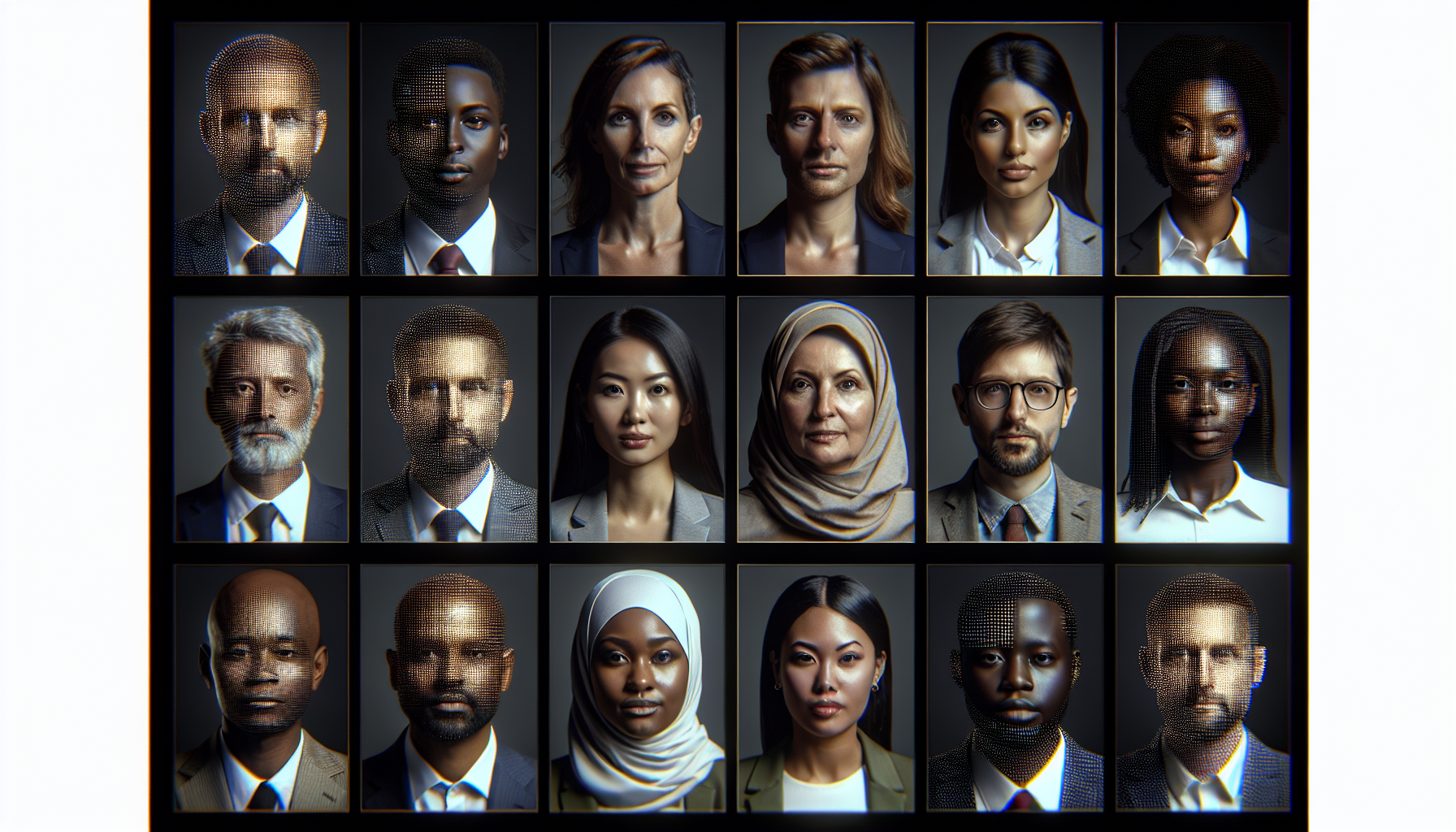
AI Headshot Generator: Get Professional Photos in Seconds
A professional headshot used to mean booking a photographer, renting studio time, and waiting days for retouched results — all for $150 to $500+. Today, AI headshot generators can produce studio-quality professional photos in seconds, starting for free. Whether you need a polished LinkedIn profile picture, a corporate team page photo, or a clean headshot for your resume, AI makes it accessible to everyone.
Generate a professional headshot right now
AI2image uses DALL-E 3 to create photorealistic professional portraits from text prompts. Get 3 free image generations when you sign up — no credit card required.
What Is an AI Headshot Generator?
An AI headshot generator is a tool that uses artificial intelligence to create professional-looking portrait photos. There are two main approaches: upload-based tools that take your selfies and transform them into polished headshots, and prompt-based tools that generate entirely new portraits from text descriptions.
Upload-based generators like HeadshotPro and Aragon AI train a small AI model on your uploaded photos, then render you in professional settings with studio lighting, business attire, and clean backgrounds. Prompt-based generators like AI2image and ChatGPT let you describe exactly what you want — "professional headshot of a woman in a navy blazer, soft studio lighting, neutral gray background" — and the AI creates it from scratch.
Both approaches produce results that are often indistinguishable from traditional photography. The technology behind them — diffusion models, GANs, and transformer architectures — has advanced rapidly, making AI-generated headshots a legitimate alternative to studio sessions.
8 Best AI Headshot Generators in 2026
We tested the most popular AI headshot tools across quality, speed, pricing, and ease of use. Here are our top picks:
| Tool | Price | Quality | Turnaround | Styles |
|---|---|---|---|---|
| AI2image | 3 free, then $5.99/10 | ⭐⭐⭐⭐⭐ | ~10 seconds | Unlimited (prompt-based) |
| HeadshotPro | $29 for 40 headshots | ⭐⭐⭐⭐⭐ | ~2 hours | 40+ professional styles |
| Aragon AI | $29 for 40 headshots | ⭐⭐⭐⭐⭐ | ~1 hour | 30+ business styles |
| ProfilePicture.ai | $9.99 for 80 photos | ⭐⭐⭐⭐ | ~1 hour | 50+ styles |
| Remini | Free (limited) / $9.99/week | ⭐⭐⭐⭐ | ~30 seconds | 20+ styles |
| Try It On AI | $24.99 for 50 headshots | ⭐⭐⭐⭐ | ~2 hours | 30+ styles |
| Secta Labs | $49 for 300+ headshots | ⭐⭐⭐⭐⭐ | ~1 hour | 70+ styles |
| ChatGPT (GPT-4o) | $20/month | ⭐⭐⭐⭐⭐ | ~15 seconds | Unlimited (prompt-based) |
1. AI2image — Best for Instant Prompt-Based Headshots
AI2image is a prompt-based AI image generator powered by DALL-E 3. Unlike upload-based tools, you describe the headshot you want in natural language and get a result in about 10 seconds. This gives you complete creative control — you can specify the exact background, lighting, attire, and composition.
The platform is ideal for creating professional headshots when you want a specific look without uploading personal photos. It also works well for creating team page placeholders, avatar images, and social media profile pictures. You get 3 free generations on signup, and additional credits cost $5.99 for 10.
2. HeadshotPro — Best for Corporate Teams
HeadshotPro specializes in transforming casual selfies into corporate-grade headshots. You upload 10-20 photos of yourself, and within about two hours, you receive 40+ professional headshots in various outfits, backgrounds, and lighting setups. The results are consistently high quality and look natural. HeadshotPro also offers team plans, making it ideal for companies that need uniform headshots across an entire organization.
3. Aragon AI — Best for Speed and Quality Balance
Aragon AI delivers results in about an hour — faster than most upload-based competitors. It produces sharp, professional headshots with accurate facial features. The platform offers 30+ professional styles including corporate, creative, and casual looks. Pricing starts at $29 for 40 headshots.
4. ProfilePicture.ai — Best Budget Option
At $9.99 for 80 photos, ProfilePicture.ai offers the best value per image. It supports 50+ styles and produces solid results. While the quality occasionally falls slightly behind HeadshotPro or Aragon AI, the price-to-quality ratio is hard to beat. A good choice if you want multiple style options without a big investment.
5. Remini — Best Free Option
Remini started as a photo enhancement app and added AI headshot generation. The free tier lets you try a limited number of AI photos, making it the most accessible way to test AI headshots without paying. Quality is good for social media use, though it may not match dedicated headshot tools for corporate settings.
6. Try It On AI — Best for Variety
Try It On AI generates 50 headshots across 30+ styles for $24.99. The variety makes it easy to find a shot you love. Results are professional enough for LinkedIn and company websites, with natural-looking skin tones and lighting.
7. Secta Labs — Best for Volume
Secta Labs produces 300+ headshots for $49, giving you the most options of any tool on this list. The sheer volume means you are almost guaranteed to find several shots that look perfect. The company also provides useful guidance on which uploaded photos will produce the best results.
8. ChatGPT (GPT-4o) — Best for Iterative Refinement
ChatGPT with GPT-4o can generate and iteratively refine headshots through conversation. You can say "make the lighting warmer" or "change the background to an office" and it adjusts accordingly. This conversational approach is powerful when you have a specific vision but need to dial in the details. Requires a $20/month ChatGPT Plus subscription.
Need a professional headshot in under a minute?
Describe your ideal headshot and AI2image generates it instantly. No uploads, no waiting.
Generate Your Headshot Free →How to Get the Best AI Headshot Results
Whether you use an upload-based or prompt-based tool, these tips will dramatically improve your results:
For Upload-Based Tools (HeadshotPro, Aragon AI, etc.)
- Upload 15-20 photos with varied angles, expressions, and lighting
- Use recent photos — the AI trains on your current appearance
- Include close-ups and mid-shots so the AI learns your features accurately
- Avoid heavy filters on source photos; natural lighting works best
- Remove sunglasses and hats in at least 80% of uploads
- Vary your background — don't upload 20 photos against the same wall
For Prompt-Based Tools (AI2image, ChatGPT)
- Be specific about lighting: "soft studio lighting", "Rembrandt lighting", "ring light"
- Specify the background: "neutral gray gradient background", "blurred office background"
- Describe attire: "wearing a navy blue blazer and white shirt", "business casual"
- Include quality keywords: "professional headshot", "studio quality", "sharp focus", "8K"
- Specify framing: "head and shoulders", "close-up portrait", "upper body"
- Add mood descriptors: "confident smile", "approachable expression", "warm and friendly"
Professional Headshot Prompts You Can Copy
Use these prompts with AI2image or any prompt-based AI image generator to create professional headshots:
Corporate / Business Headshots
Professional corporate headshot of a confident business executive, wearing a charcoal suit and light blue tie, soft studio lighting, neutral gray gradient background, sharp focus, head and shoulders framing, 8K, photorealisticBusiness headshot of a woman in a navy blazer and white blouse, warm smile, Rembrandt lighting, clean white background, professional photography, shallow depth of fieldModern corporate portrait, smart casual attire with rolled-up sleeves, blurred glass office background, natural window light, approachable expression, 4K, professional
Creative / Startup Headshots
Creative professional headshot, casual black turtleneck, confident expression, dramatic side lighting, dark moody background, editorial style, sharp detailTech startup founder portrait, wearing a simple gray t-shirt, friendly smile, bright airy background with plants, natural daylight, authentic candid feel, photorealisticArtistic professional headshot with colorful bokeh background, smart casual outfit, ring light catchlights in eyes, warm color grading, magazine quality
LinkedIn-Specific Headshots
LinkedIn profile photo, professional headshot, business formal attire, confident and approachable expression, soft even lighting, solid blue-gray background, head and shoulders crop, high resolutionLinkedIn headshot of a professional, wearing a dark blazer over a crew neck, slight smile, clean background with subtle gradient, studio lighting, corporate photography style
Platform-Specific Tips
LinkedIn Headshot Tips
LinkedIn is the most common reason people need professional headshots. Here is what works best:
- Dimensions: Upload at 400x400 pixels minimum; LinkedIn displays at 200x200 but higher resolution looks sharper
- Framing: Head and shoulders, with your face taking up about 60% of the frame
- Expression: Friendly but professional — a slight smile outperforms a stern face
- Background: Solid neutral colors (gray, light blue) or softly blurred office settings
- Attire: Match your industry — suit for finance/law, smart casual for tech/creative
- Colors: Blue tones build trust; avoid busy patterns that distract from your face
Resume Headshot Tips
In many countries and industries, a headshot on your resume is expected. Keep it conservative:
- Use a clean, solid background — white or light gray
- Dress one level above the role you are applying for
- Keep the crop tight — head and upper shoulders only
- Avoid creative lighting; go for flat, even studio lighting
- Match the photo style to the industry: formal for banking, relaxed for creative roles
Social Media Profile Pictures
Social media headshots can be more relaxed than corporate ones:
- Instagram/Twitter: Show personality — creative lighting, interesting backgrounds, casual attire
- Facebook: Warm, friendly photos perform well; natural outdoor lighting is fine
- YouTube: Bright, high-contrast images that read well at small thumbnail sizes
- Company website: Match the brand's visual style; consistent backgrounds for team pages
DIY Professional Headshots with DALL-E 3 Prompts
If you want full creative control over your AI headshot without uploading personal photos, prompt-based generation with DALL-E 3 (via AI2image or ChatGPT) is the way to go. Here is a step-by-step approach:
Step 1: Define the Look
Start with a clear mental picture of what you want. Consider:
- Gender, approximate age, and ethnicity of the subject
- Attire: formal suit, business casual, creative/artistic
- Expression: confident, approachable, serious, friendly
- Setting: studio, office, outdoor, environmental
Step 2: Build Your Prompt Layer by Layer
Use this formula for consistent results:
[Photo type] + [Subject description] + [Attire] + [Expression] + [Background] + [Lighting] + [Quality modifiers]
Example:
Professional headshot [type] of a mid-30s woman with shoulder-length dark hair [subject] wearing a tailored charcoal blazer over a white silk blouse [attire] with a warm confident smile [expression] against a softly blurred modern office background [background] lit by soft diffused window light from the left [lighting] photorealistic, 8K, shallow depth of field, shot on Canon EOS R5 [quality]
Step 3: Iterate and Refine
Generate 3-5 variations and note what you like or dislike about each. Then adjust:
- Too flat? Add "Rembrandt lighting" or "dramatic side lighting"
- Too stiff? Add "natural relaxed pose" or "candid feel"
- Background distracting? Switch to "solid neutral gray background"
- Skin too smooth? Add "natural skin texture, no airbrushing"
AI Headshots vs. Traditional Photography
Here is how AI headshot generation compares to hiring a professional photographer:
| Factor | AI Headshot Generator | Traditional Photographer |
|---|---|---|
| Cost | Free to $49 | $150 - $500+ |
| Turnaround | Seconds to 2 hours | 3-14 days |
| Convenience | From your couch | Travel to studio, schedule session |
| Variety | 40-300+ variations | 5-20 retouched images |
| Accuracy | Very good (upload-based) | Exact likeness |
| Best for | Quick, affordable, multiple styles | Executive branding, portfolio |
For most professionals updating their LinkedIn or company website, AI headshot generators deliver more than enough quality. Traditional photography still wins when you need exact likeness for executive branding, author portraits, or high-end editorial work.
Frequently Asked Questions
Are AI headshots good enough for LinkedIn?
Yes. The best AI headshot generators (HeadshotPro, Aragon AI, AI2image) produce results that are visually indistinguishable from professional studio photography. LinkedIn profile pictures are displayed at a relatively small size, so even minor imperfections are not visible. Many recruiters and hiring managers cannot tell the difference between AI-generated and traditional headshots.
What is the best free AI headshot generator?
AI2image offers 3 free DALL-E 3 generations with no credit card required, making it the easiest way to create a professional headshot for free. Remini also offers a free tier with limited AI headshot generations. For unlimited free use, you can use Stable Diffusion locally if you have a capable GPU.
Do AI headshots look fake?
Modern AI headshot generators produce remarkably realistic results. Upload-based tools like HeadshotPro and Aragon AI are especially convincing because they train on your actual photos. Prompt-based tools like AI2image generate photorealistic portraits that look professional, though they create a generic subject rather than your likeness. Common giveaways of lower-quality AI headshots include overly smooth skin, asymmetric earrings, or unusual collar details — top-tier tools have largely eliminated these issues.
Can I use an AI headshot on my resume?
Yes, AI-generated headshots are perfectly acceptable for resumes. In regions where resume photos are expected (Europe, Asia, Latin America), an AI headshot is a fast, affordable way to add a professional image. Just make sure the photo looks natural and matches the formality level of your target industry. Upload-based tools that use your real face are generally preferred for resumes over prompt-generated generic portraits.
How many photos do I need to upload for AI headshot generators?
Most upload-based AI headshot generators recommend 10-20 photos for best results. Include a mix of angles (front-facing, slight left, slight right), lighting conditions (indoor, outdoor, natural light), and expressions (smile, neutral, slight smile). Avoid photos with sunglasses, heavy makeup, or filters. The more varied your uploads, the better the AI can learn your facial features and produce natural-looking headshots.
Get Your Professional Headshot Now
3 free generations. No credit card. Studio-quality results in seconds.
Try AI2image Free →Try this prompt:
Professional corporate headshot of a confident business executive, wearing a charcoal suit and light blue tie, soft studio lighting, neutral gray gradient background, sharp focus, head and shoulders framing, 8K, photorealistic
Try this prompt:
LinkedIn profile photo, professional headshot, business formal attire, confident and approachable expression, soft even lighting, solid blue-gray background, head and shoulders crop, high resolution
Try this prompt:
Creative professional headshot, casual black turtleneck, confident expression, dramatic side lighting, dark moody background, editorial style, sharp detail